Bank transfer payments
Many freelancers prefer bank transfer — zero card fees, and clients see your details on every invoice.
- Go to Settings → payment / business details.
- Enter your bank name, account, and routing / IBAN as applicable.
- Save. New invoices will show payment instructions automatically.
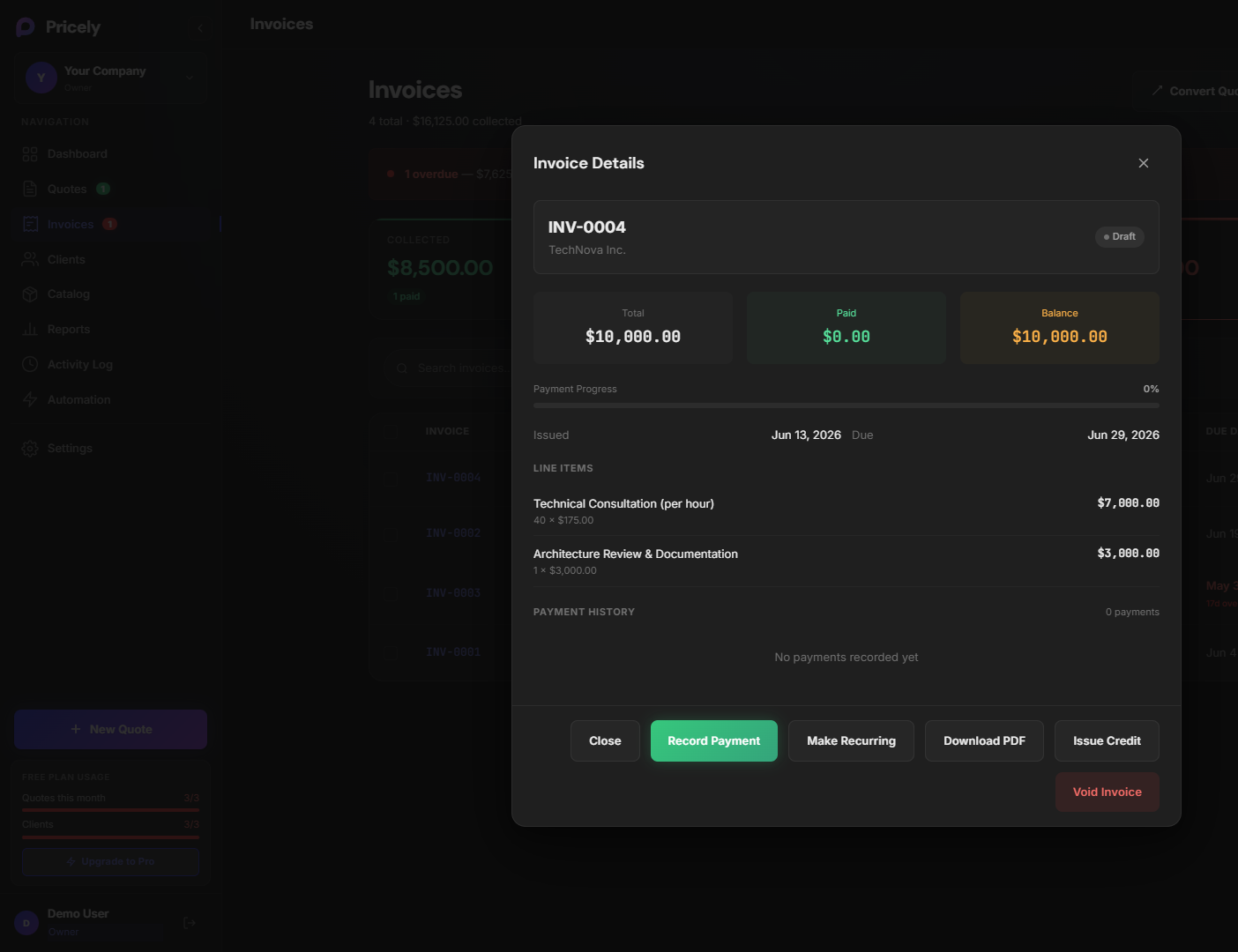
- When paid, mark the invoice Paid manually in Pricely (or partial payments as needed).
Pro plan: Bank transfer instructions on invoices are included with Pro and above.