Pricely Docs34 guides
Quote, invoice and get paid. Every step, documented.
Step-by-step guides for every feature, setting and plan in Pricely, written from the app itself and illustrated with sample data.
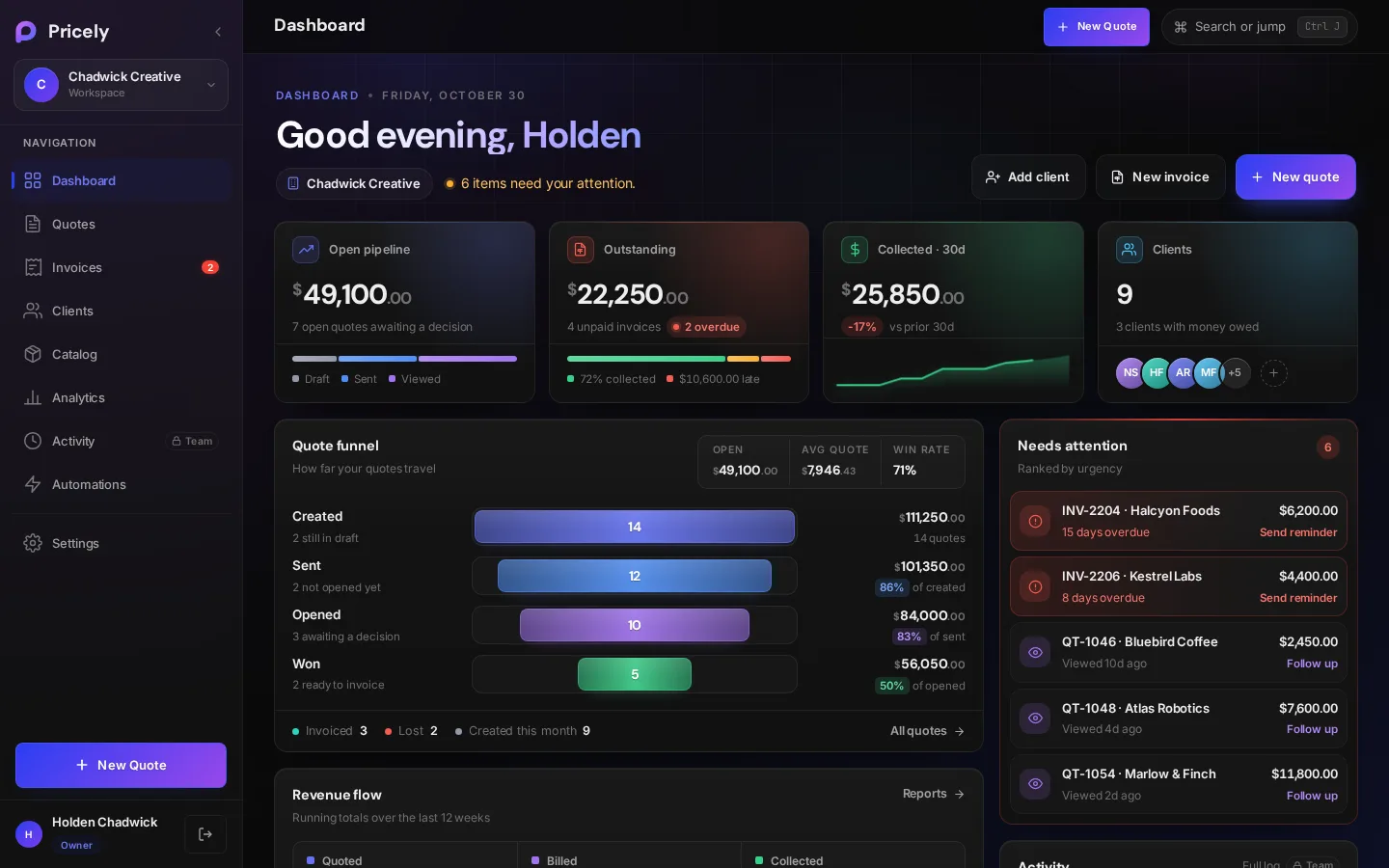
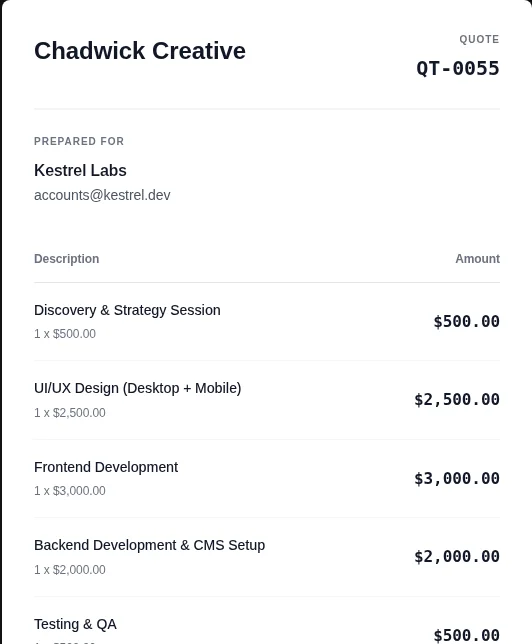
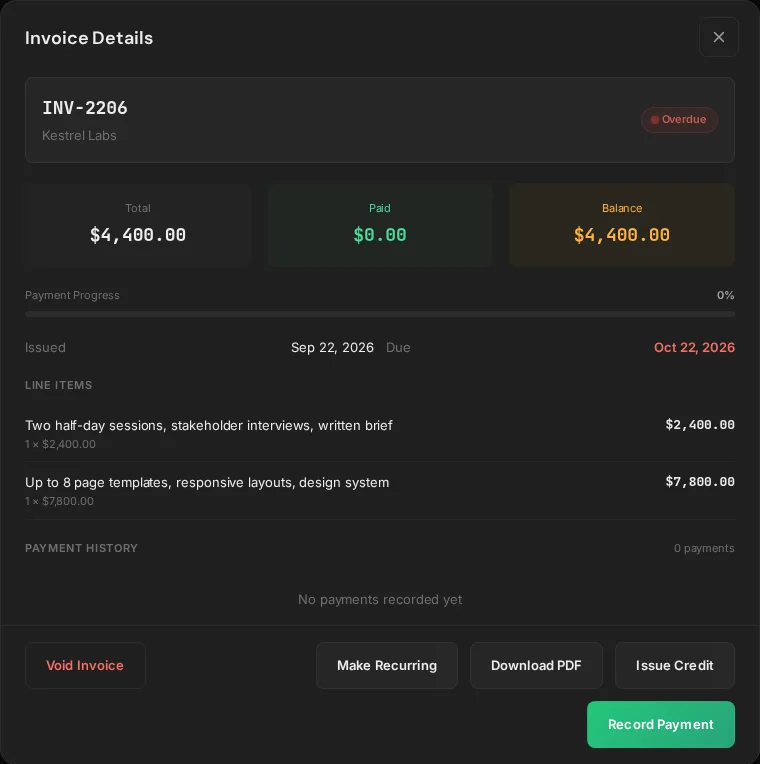
Screenshots use sample data.
- No client accountsClients open a secure link or the email-PIN portal.
- Card or bank transferStripe Connect cards and bank details on invoices.
- Accepted quote to invoiceBill the full amount or a deposit, straight from the quote.
-
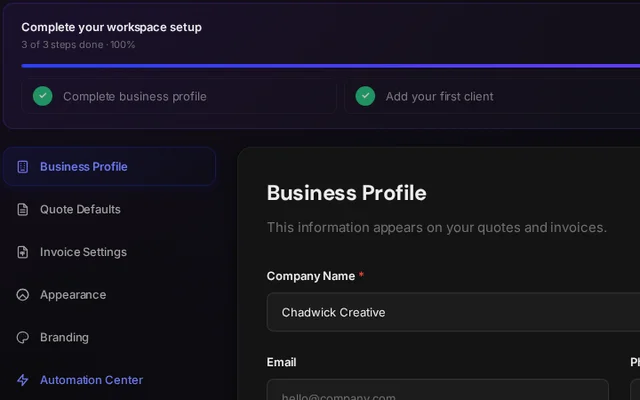 Set up your workspaceAdd your business details, then your first client.
Read guide
Set up your workspaceAdd your business details, then your first client.
Read guide
-
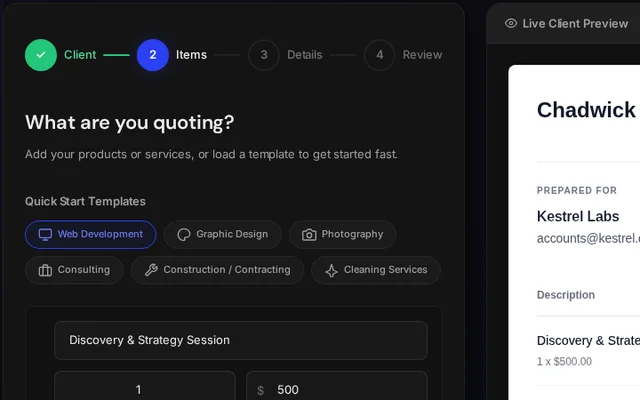 Build a quoteLine items, tax, discounts and a deposit, in four steps.
Read guide
Build a quoteLine items, tax, discounts and a deposit, in four steps.
Read guide
-
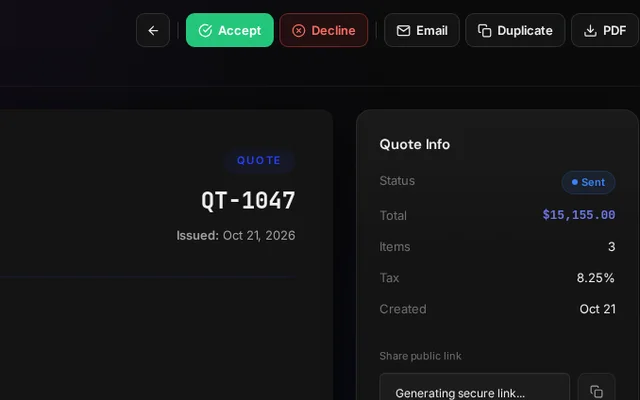 Send and get approvalClients review, accept or decline from a private link.
Read guide
Send and get approvalClients review, accept or decline from a private link.
Read guide
-
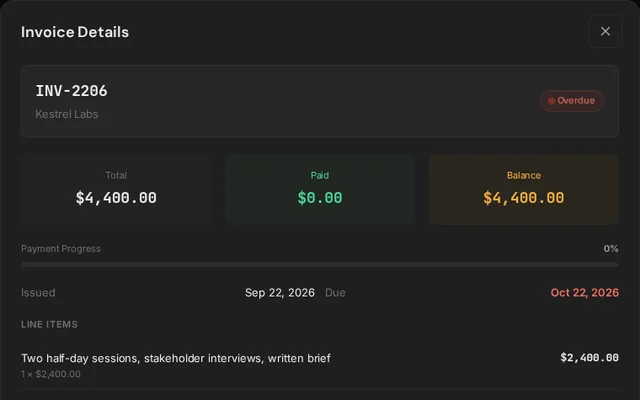 Invoice and get paidTurn the accepted quote into an invoice and collect by card or bank.
Read guide
Invoice and get paidTurn the accepted quote into an invoice and collect by card or bank.
Read guide
Can't find what you need?Write to us about anything these guides don’t cover. Your questions shape what we document next.
support@pricely.me