Pricely for freelancers
Designers, developers, consultants and other independents use Pricely to look professional without proposal software. Here is the workflow, and how to choose between Free and Pro.
A typical project
- Set up once
Add your business details and payment details, and on Pro your logo and brand color. Get started
- Quote the work
Build the quote with line items, tax and a deposit, for example 40% upfront. Create a quote
- Get a signed yes
The client opens the link, signs to accept, and you see the quote move to Accepted. You're notified when they view and accept it. Send a quote
- Bill the deposit
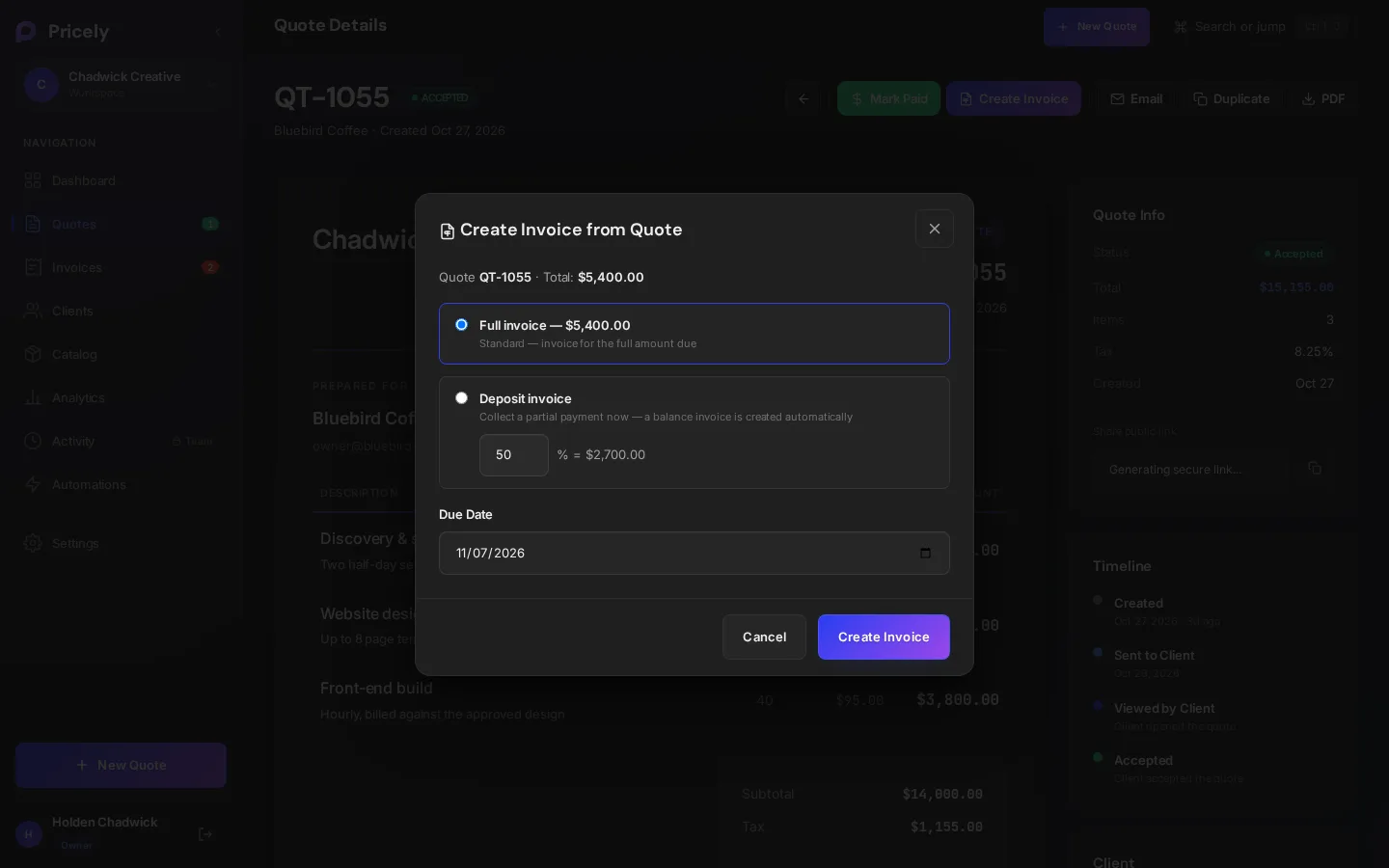
Convert the accepted quote into a deposit invoice. Pricely creates the balance invoice for later. Quote to invoice
- Get paid
Clients pay by card or bank transfer on Pro, and reminders chase late invoices for you. Reminders
Retainers and repeat work
For a monthly retainer, set up a recurring invoice once (Pro and above). Pricely creates each invoice on schedule using your payment terms, and you can pause and resume it between engagements. Recurring invoices
International clients
Quote in your client's currency and let them read your quote and invoice pages in English, Spanish, French or German. Clients can also see an approximate conversion into their own currency, while the amount due stays as issued. Languages and currencies
Free or Pro?
| You need | Free | Pro |
|---|---|---|
| Quotes per month | 10 | Unlimited |
| Clients | 10 at a time | Unlimited |
| Signed acceptance, PDFs, client portal | ✓ | ✓ |
| Reminders and late fees | ✓ | ✓ |
| Card payments and bank details on invoices | — | ✓ |
| Recurring invoices | — | ✓ |
| Branding, catalog and analytics | — | ✓ |
| Price | $0 | $19 a month or $190 a year |
Start on Free; there's no free trial of paid plans, and you don't need a card. Upgrade when you need payments, retainers or more than 10 quotes a month. Plans and billing