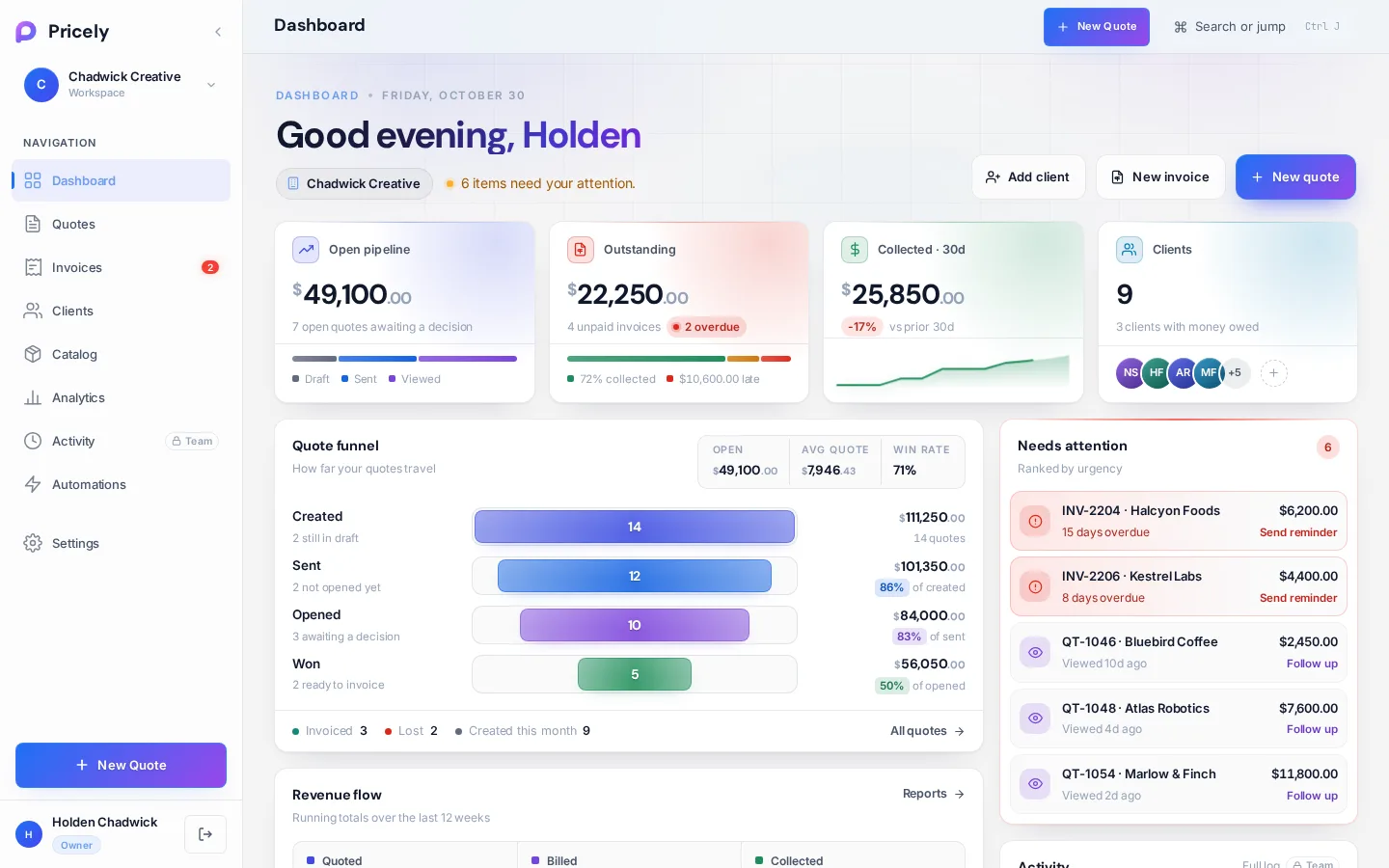
The dashboard
Your home screen. It answers three questions at a glance: what came in, what is waiting on clients, and what needs you today.
The header
The greeting shows your workspace name and a one-line status, such as how many items need your attention or how many drafts haven't been sent. Three buttons on the right start the most common work: Add client, New invoice and New quote.
Key numbers
Four cards summarise the workspace. Click a card to open the list behind it.
- Open pipeline
- The value of quotes still waiting on a decision, split into Draft Sent and Viewed.
- Outstanding
- What clients owe on unpaid invoices, split into collected, Not yet due and Overdue, with the number of overdue invoices.
- Collected · 30d
- Payments received in the last 30 days, compared with the 30 days before.
- Clients
- How many clients you have and how many currently owe you money.
Needs attention
A short list of follow-ups, ranked by urgency: overdue invoices, quotes waiting on a reply and similar items. When nothing is pending it reads All clear.
Quote funnel
How far your quotes travel, from created to sent, viewed, accepted and invoiced. The header shows the open value, your average quote and your win rate. The footer counts quotes invoiced, lost (declined) and created this month.
Revenue flow
A chart of what you quoted and billed over time. For more ranges, comparisons and exports, open Analytics.
Recent documents
The latest quotes and invoices with client, date, status and amount. Use Filter documents to narrow the list, and click a row to open it.
Top clients, activity and plan limits
- Top clients ranks clients by total quoted and billed.
- Activity shows the latest changes in the workspace.
- On the Free plan, a Monthly limits card shows quotes used this month and clients on file against your limits. Pro shows Unlimited quotes and clients.
Getting set up
A new workspace shows a Set up your studio checklist with three steps: Business profile, First client and First quote. The header also suggests the next step, for example Add a client before your first quote.
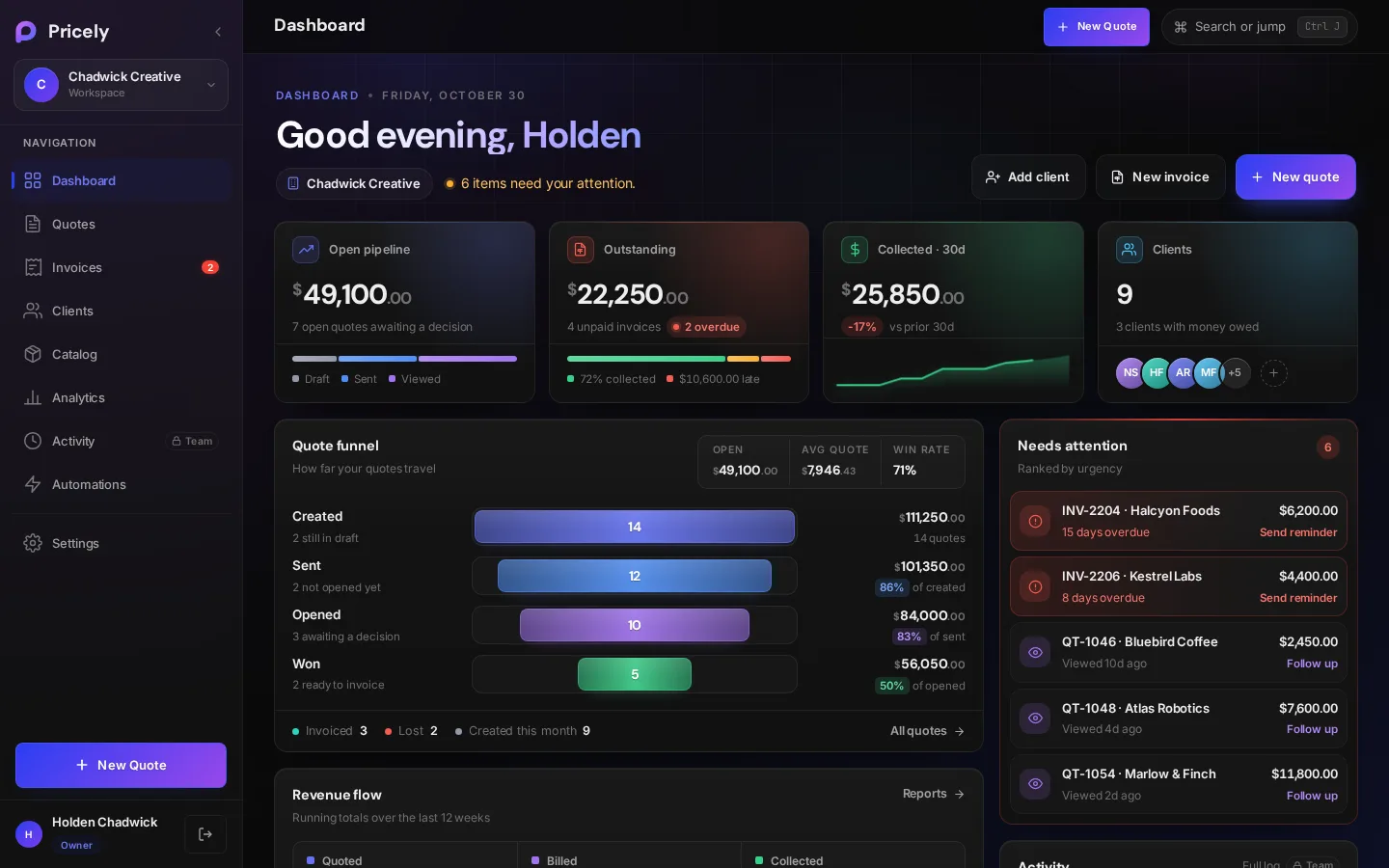
Light and dark themes
The dashboard follows the theme you choose in Settings›Appearance. There are eight themes, including the light Arctic Light.