Client portal
When you share a quote or invoice link, clients see a clean, branded page — not your internal dashboard.
Quotes
- Full quote breakdown with line items and total
- Accept or Decline buttons
- Optional message thread for questions
Invoices
On invoices, clients see amount due, payment status, and how to pay — including bank details when you've configured them.
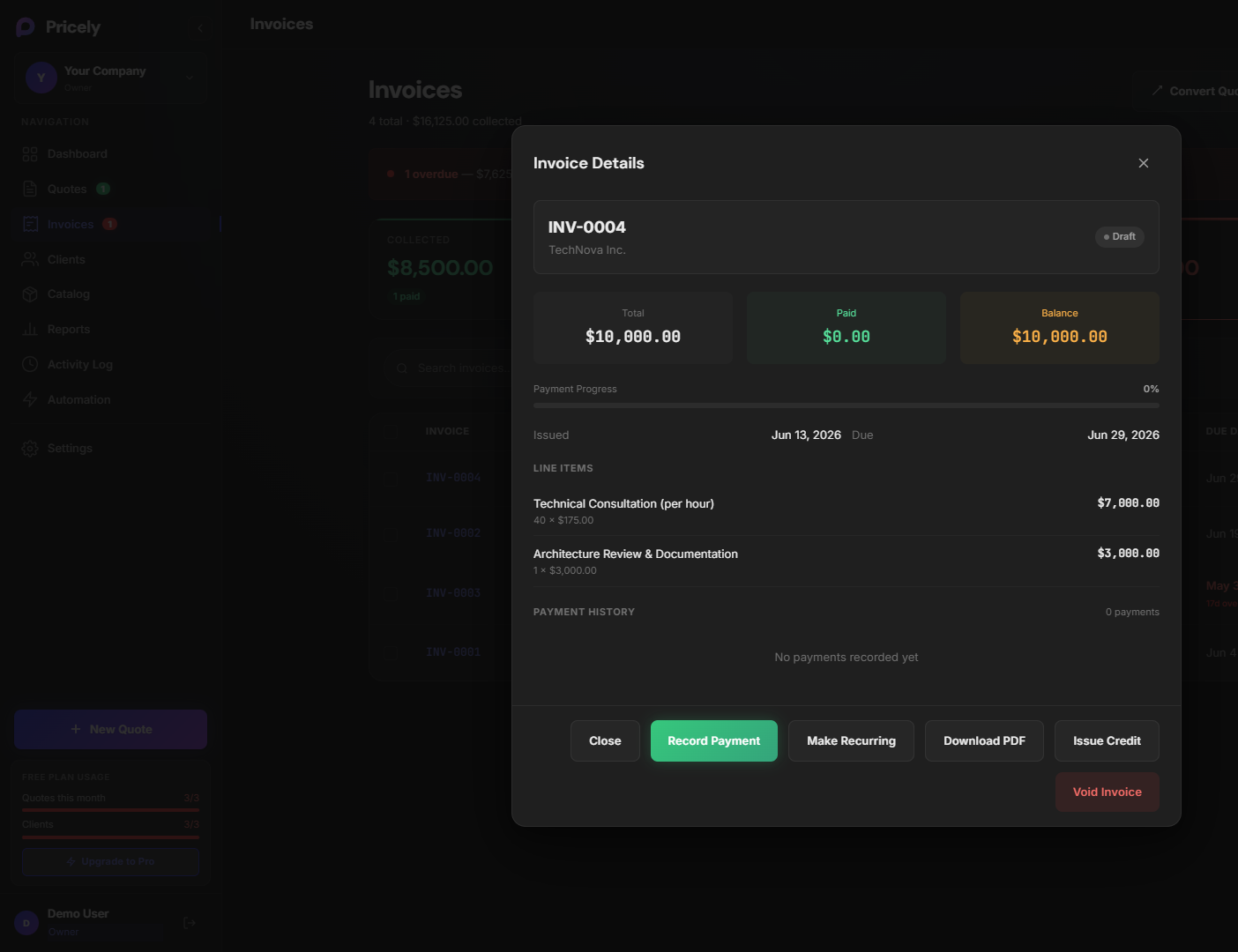
- Amount due and payment status
- Bank transfer instructions (if you enabled them)
- Online card pay (if you use Stripe Connect on a paid plan)
Passwordless client portal
From a client's profile you can open Client portal — a separate login where clients see all their quotes and invoices with you. They verify by email; no Pricely account required.
Privacy: Clients access links with a secure token. Don't share admin dashboard URLs — only the links Pricely generates for each document.