Convert a quote to an invoice
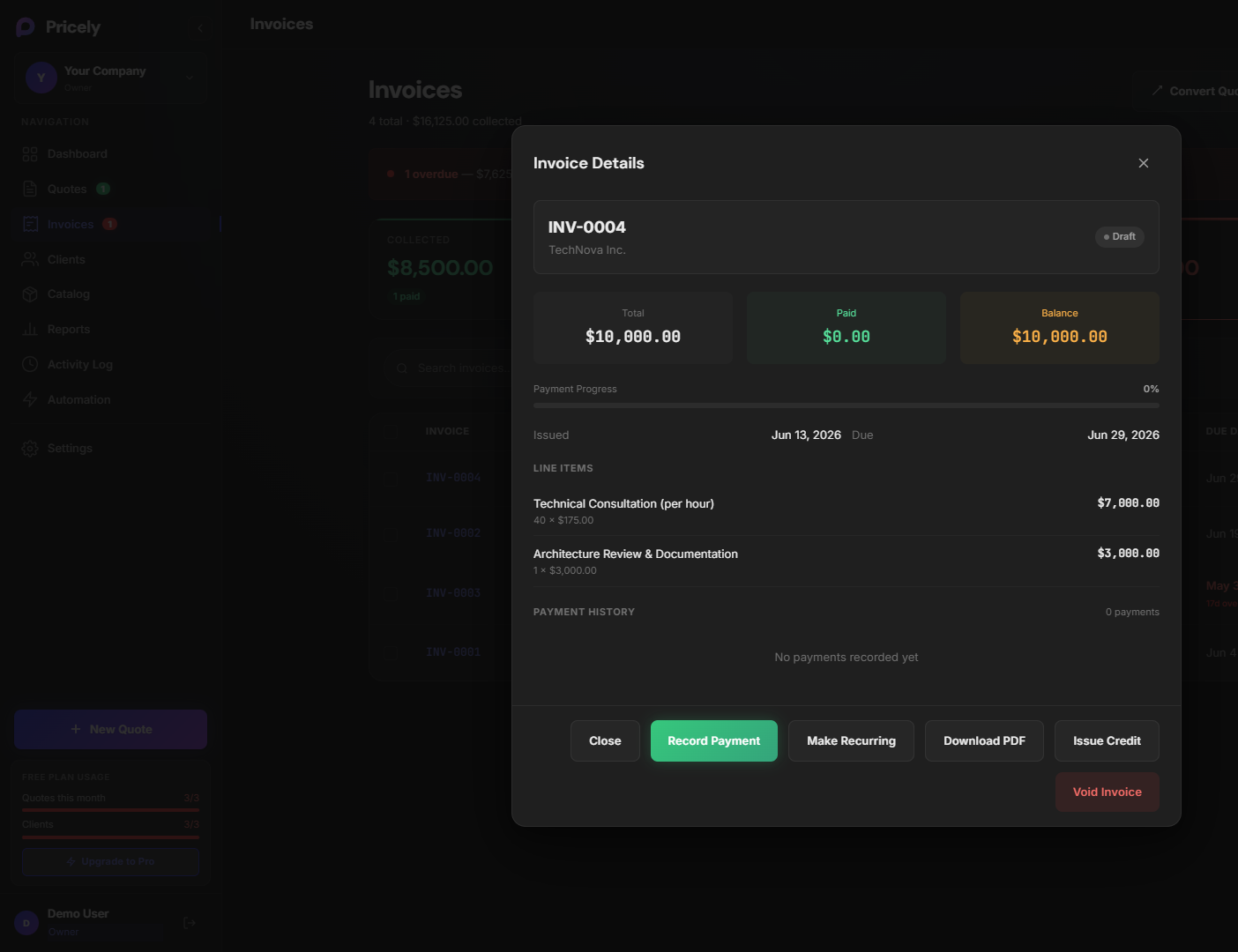
Once a client accepts, convert the quote in one click — all line items carry over.
- Open the accepted quote.
- Click Convert to invoice (or create invoice from quote actions).
- Review due date and payment terms.
- Save and send the invoice link to your client the same way you sent the quote.
For payment setup, see Bank transfers or enable Stripe in Settings on Pro+.