Create a quote
Quotes are the starting point for most jobs — line items, totals, and a polished PDF for your client.
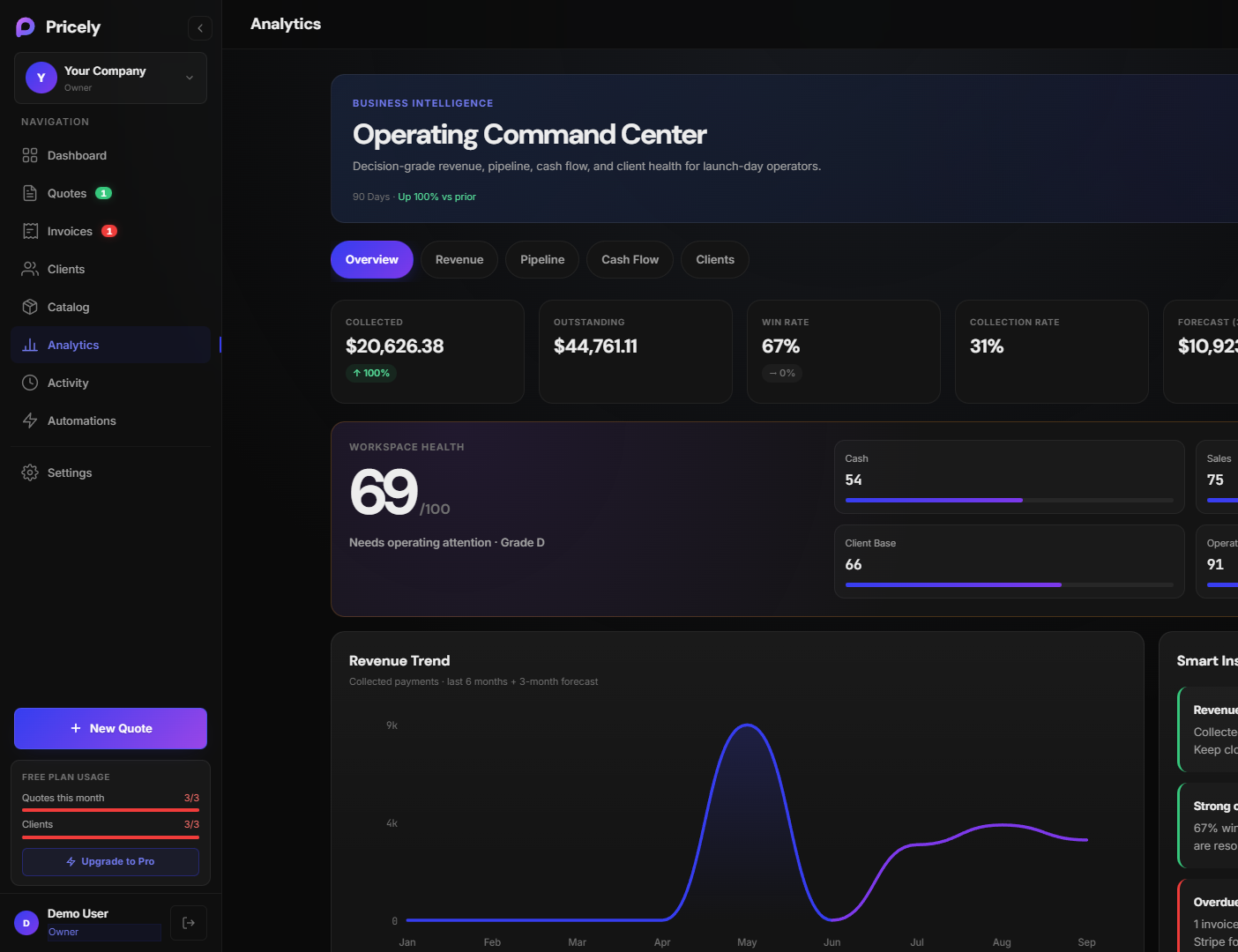
- From the dashboard, open Quotes → New quote.
- Select a client (or add one inline).
- Add line items — description, quantity, rate. Use your catalog if you've saved products.
- Set tax and notes if needed. The total updates automatically.
- Click Save. Preview the PDF from the quote detail page.
Tips
- Use clear line item names — clients approve faster when they understand each charge.
- Save frequently used items to your Catalog to speed up future quotes.