Features overview
Pricely covers one job end to end: quote the work, get a signed yes, invoice it and get paid. Here is every feature, what it does and which plan includes it.
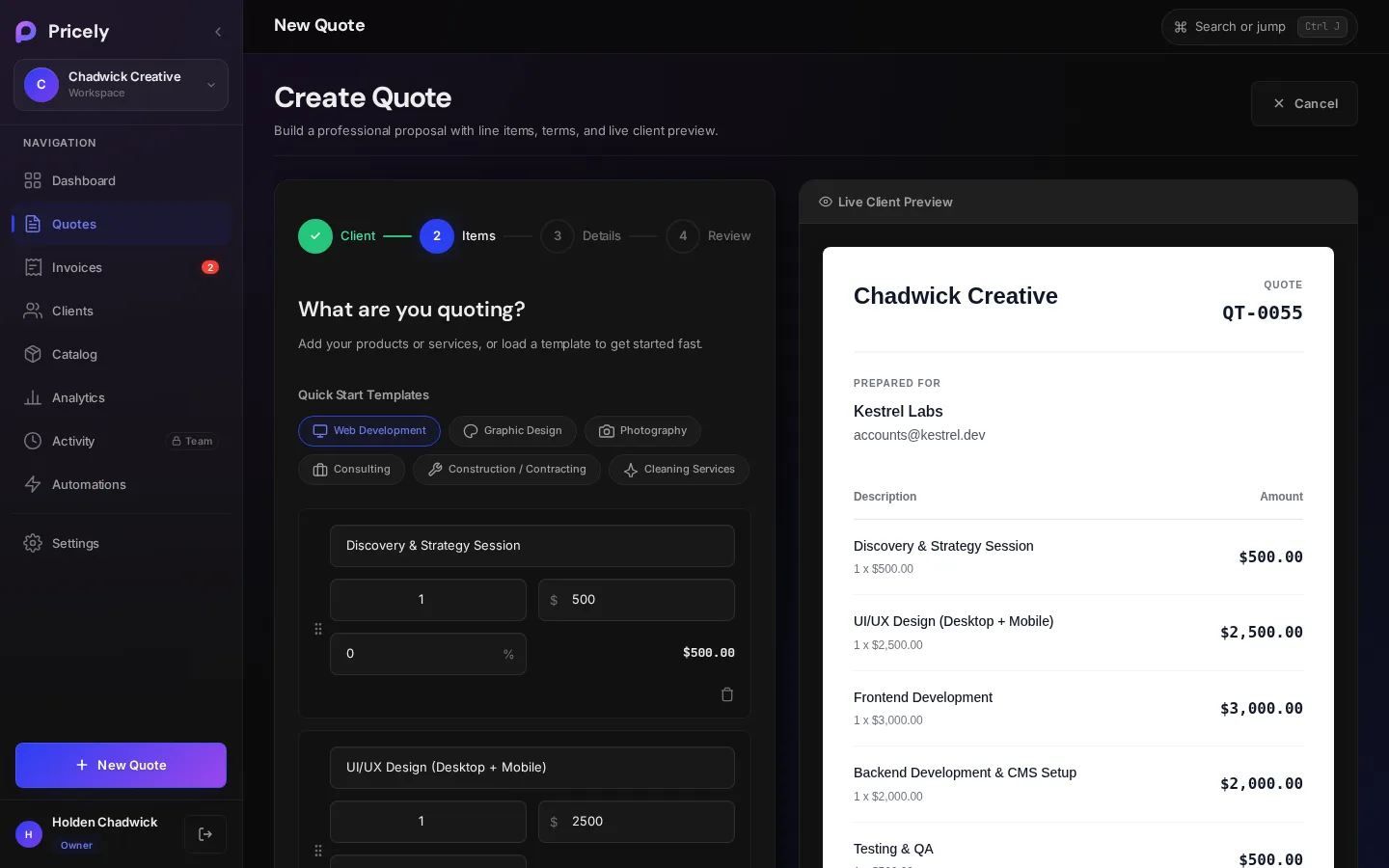
Quotes
The quote builder takes you through four steps, Client, Items, Details and Review, with a live preview of exactly what your client will see.
- Line items with quantity, unit and price, plus tax, discounts and an optional deposit percentage. Create a quote
- Send by email or link. Your client opens a secure page, downloads a PDF, and accepts with a drawn signature or declines, without creating an account. Send a quote
- Clear statuses from Draft to Sent, Viewed, Accepted, Declined or Expired, so you always know where each deal stands. Quote statuses
- Product catalog (Pro and above): save what you sell once and add it to any quote. Product catalog
- Approvals (Team and above): Members submit quotes, and an Admin or Owner approves them before they reach the client. Quote approvals
Invoices
- Quote to invoice in one step. Bill the full amount, or take a deposit and let Pricely create the balance invoice. Quote to invoice
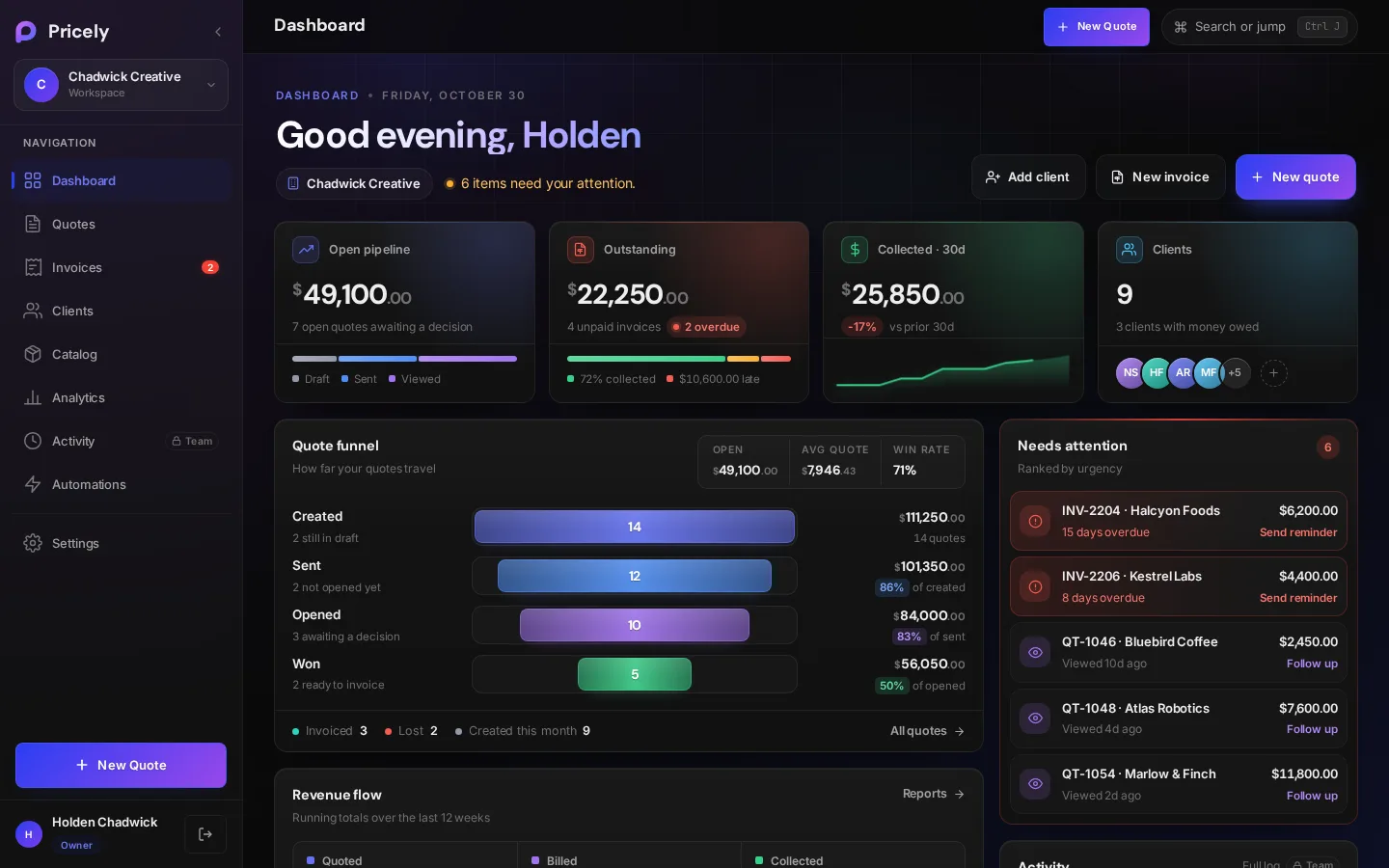
- One list for everything billed, with what's collected, outstanding and overdue. Drafts don't count until they're sent. Invoices
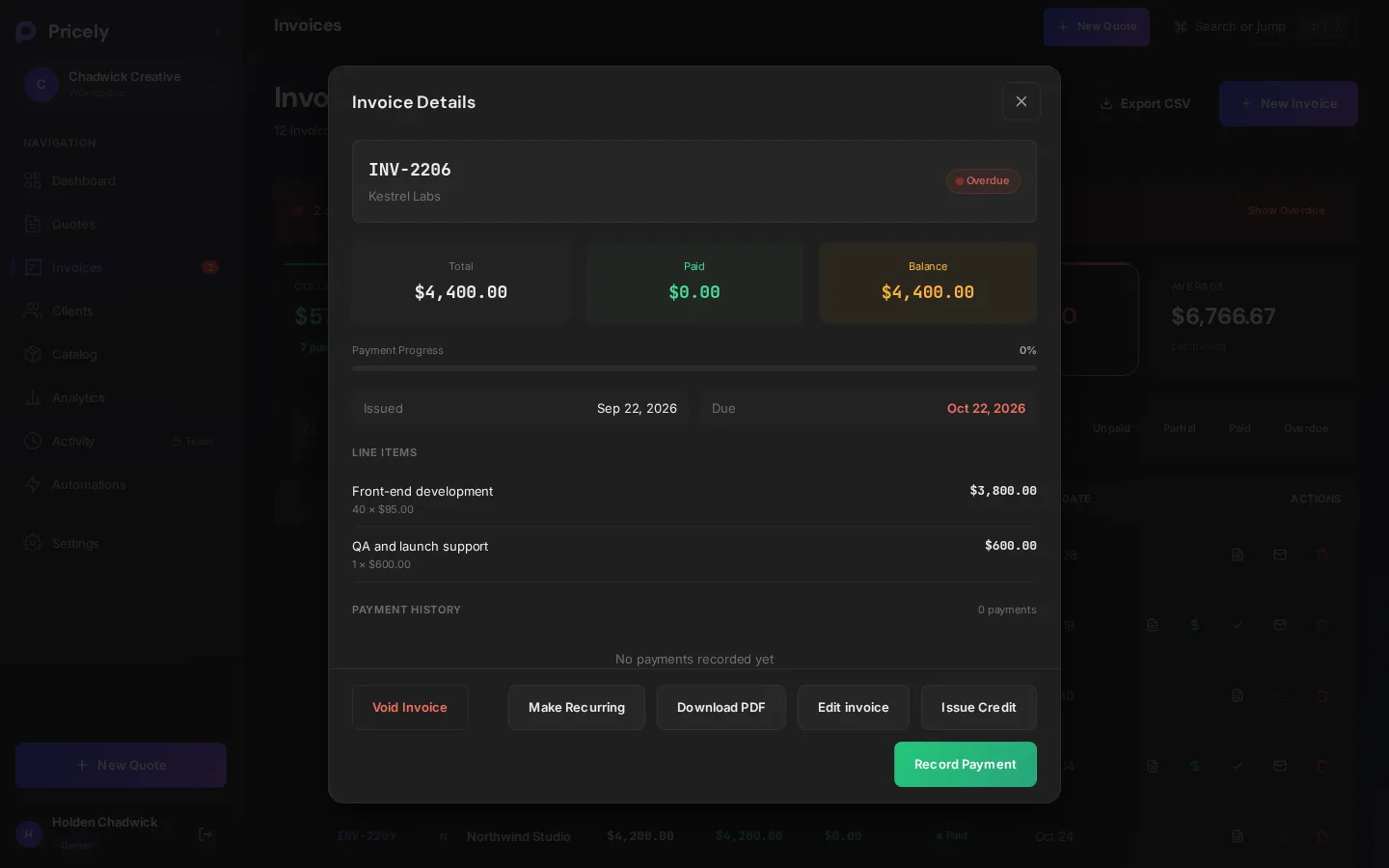
- Payments, credits and voids keep every balance accurate, including partial payments. Record payments
- Recurring invoices (Pro and above) for retainers, with pause and resume. Recurring invoices
- Reminders and late fees on every plan: reminder emails go out on the days you choose. Reminders and late fees
Getting paid
| Method | How it works | Plan |
|---|---|---|
| Card | Connect Stripe and every invoice gets a Pay with Card button. Money goes straight to your Stripe account, and the invoice is marked paid. Card payments | Pro and above |
| Bank transfer | Your wire, ACH or IBAN details appear on every invoice. Pricely charges no fee; you record the payment when it arrives. Bank transfers | Pro and above |
| Anything else | A free-text payment instructions note on invoices, for any other way you get paid. | Every plan |
Clients
- Client list with contact details, lifetime value and every quote and invoice per client, plus CSV import. Clients
- Client portal: each client gets a private page with everything you've sent them. They sign in with a one-time PIN sent to their email, no password. Client portal
- Their language and currency. Client pages are available in English, Spanish, French and German, and documents can be in 11 currencies. Languages and currencies
Insights and teams
- Analytics (Pro and above): revenue, pipeline, who owes you, and your best clients. Analytics
- Teams and roles (Team and above): shared workspace with roles that decide who can create, send, delete and change settings. Team and roles
- Activity log (Team and above): a dated record of who did what. Activity log
- Webhooks (Business and above): signed JSON events for Zapier, Make or your own code. Webhooks
Your brand and your data
- Branding (Pro and above): logo, brand color, font and footer on every quote and invoice. Branding
- Export on every plan: CSV exports and a full JSON backup from Settings›Data & Backup. Security and your data
- Command palette: find any document, client or page from the keyboard. Command palette
Features by plan
| Free | Pro | Team | Business | Enterprise | |
|---|---|---|---|---|---|
| Price per month | $0 | $19 | $49 | $99 | $199 |
| Quotes | 10 / month | Unlimited | Unlimited | Unlimited | Unlimited |
| Clients | 10 at a time | Unlimited | Unlimited | Unlimited | Unlimited |
| Invoices | Unlimited | Unlimited | Unlimited | Unlimited | Unlimited |
| People | 1 | 1 | 5 | 25 | Unlimited |
| Signatures, PDFs, client portal | ✓ | ✓ | ✓ | ✓ | ✓ |
| Reminders and late fees | ✓ | ✓ | ✓ | ✓ | ✓ |
| Card and bank payments | — | ✓ | ✓ | ✓ | ✓ |
| Recurring invoices | — | ✓ | ✓ | ✓ | ✓ |
| Catalog, analytics, branding | — | ✓ | ✓ | ✓ | ✓ |
| Roles, approvals, activity log | — | — | ✓ | ✓ | ✓ |
| Webhooks | — | — | — | ✓ | ✓ |
Free's client limit counts the clients you have now; deleting one frees a slot. Full details, yearly prices and the refund policy are in Plans and billing.
What Pricely doesn't do
We'd rather you know up front:
- No native QuickBooks, Xero or other accounting integration. Use CSV export, or webhooks on Business.
- No time, expense or mileage tracking.
- No phone support. Email support@pricely.me.
- The Pricely app itself is in English. Client-facing pages are translated.
Was this page helpful? Something missing or unclear? Tell us and we will fix the page.Email support@pricely.me