PricelyDocs
Pricely Docs34 guides

Quotation, invoice and get paid. Every step, documented.

Step-by-step guides for every feature, setting and plan in Pricely, written from the app itself and illustrated with sample data.

The Pricely dashboard with revenue, pipeline and recent activity
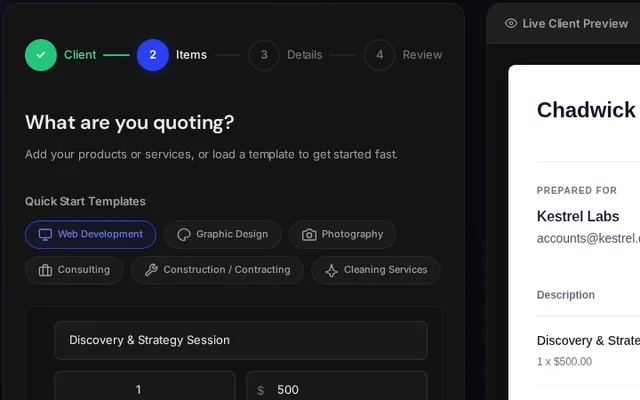
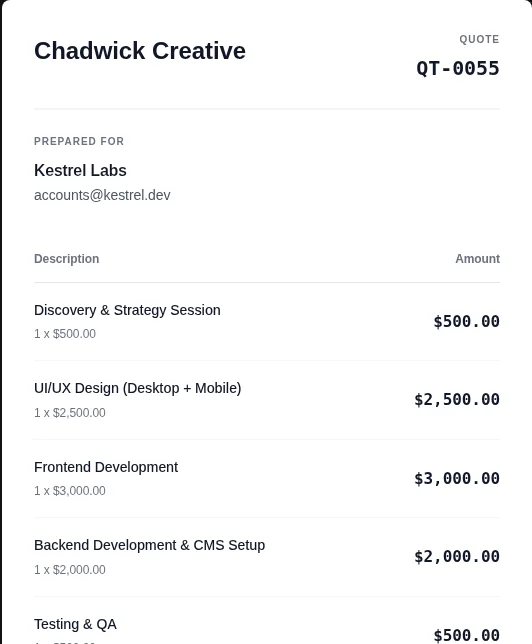
The live client preview of a quote
QuotationWhat your client sees
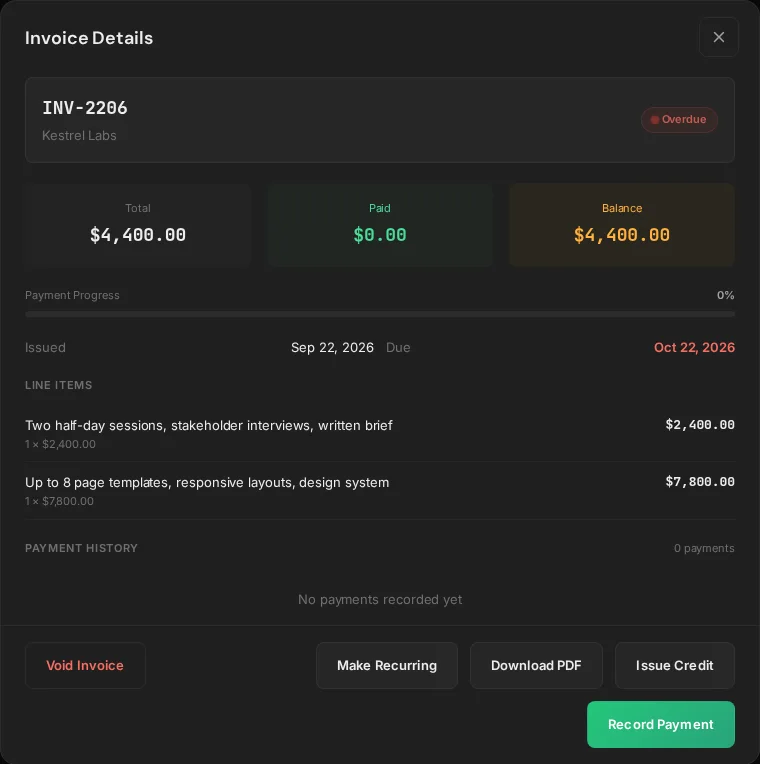
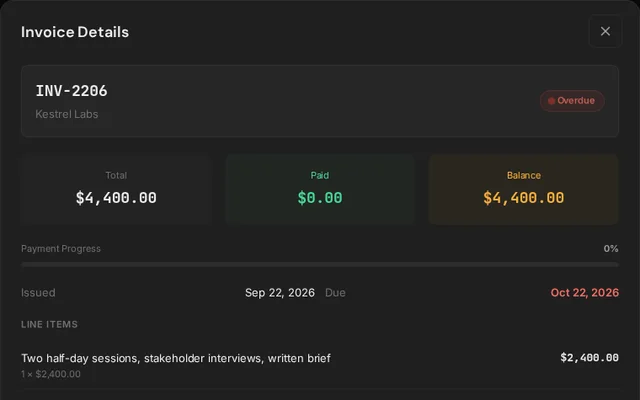
Invoice details with total, paid and balance, and actions to record a payment
InvoiceTrack every payment

Screenshots use sample data.

  • No client accountsClients open a secure link or the email-PIN portal.
  • Card or bank transferStripe Connect cards and bank details on invoices.
  • Accepted quotation to invoiceBill the full amount or a deposit, straight from the quotation.
The core workflow

From quotation to cash

Four steps, start to finish

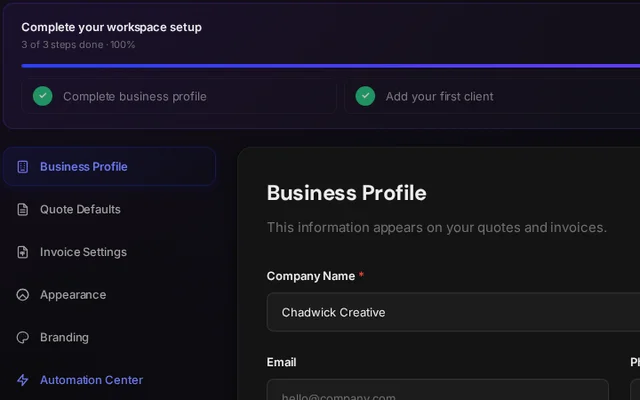
  1. Settings with the workspace setup checklist 01 Set up your workspaceAdd your business details, then your first client. Read guide
  2. The quote builder with line items and a live client preview 02 Build a quotationLine items, tax, discounts and a deposit, in four steps. Read guide
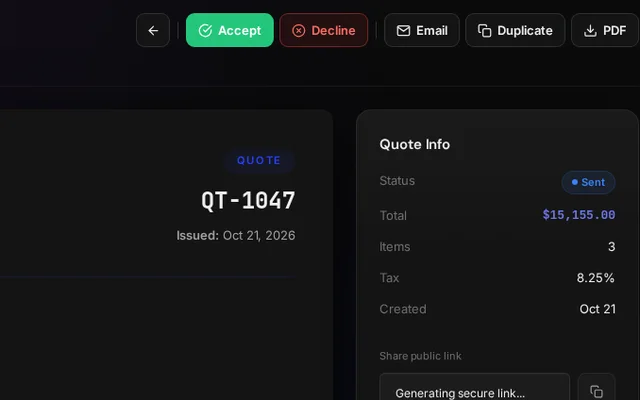
  3. A sent quote with Accept, Decline and Email actions 03 Send and get approvalClients review, accept or decline from a private link. Read guide
  4. Invoice details with total, paid and balance 04 Invoice and get paidTurn the accepted quotation into an invoice and collect by card or bank. Read guide
Reference

Browse by topic

34 guides in 8 sections

5 guides

Quotations

Build, send and track quotations until the client says yes.

4 guides

Invoices

Bill accepted work, split deposits and repeat retainers.

4 guides

Getting paid

Collect by card or bank transfer and keep balances right.

3 guides

Clients

Your client list, statements and the passwordless portal.

5 guides

Insights and teams

Revenue, pipeline, roles and an audit trail.

6 guides

Account

Settings, plans, security and quick fixes.

Can't find what you need?Write to us about anything these guides don’t cover. Your questions shape what we document next.
support@pricely.me
Esc
↑↓ to move↵ to openEsc to close