Getting started
Create an account, set up your workspace and send your first quotation. Most people are done in about ten minutes.
Pricely is a quoting and invoicing app for freelancers and small studios. You build a quotation, send your client a secure link, and turn the accepted quotation into an invoice they can pay. Your clients never need an account.
1. Create your account
- Open the sign-up page
Go to pricely.me/#/signup. You can sign up with an email address or with Continue with Google.
- Fill in your details
Enter your Full Name, Email and a Password of at least 6 characters, then confirm the password.
- Verify your email
Email sign-ups get a verification link. Open it to activate the account. If it hasn't arrived after a few minutes, check spam, then use Click to resend on the verification screen. Google sign-ups skip this step.
Forgot your password later? Use Forgot password? on the login page and we'll email you a reset link.
2. Set up your workspace
The first time you sign in, Pricely asks a few questions under Set up your workspace. Everything here can be changed later in Settings.
- Company / workspace name
- Shown at the top of every quotation and invoice, and in the sender name of emails to clients.
- Business email
- Printed on your documents so clients know how to reach you.
- Industry
- Used to suggest sensible starting points. It doesn't limit what you can do.
- Currency
- The default currency for new quotations and invoices.You can still pick a different currency on any single quotation. See Languages and currencies.
- How do you collect payment?
- Choose Bank transfer, Online card payments (Stripe) or Decide later. This only points you to the right setup screen afterwards.
Prefer to explore first? Choose Continue with defaults and fill the profile in later.
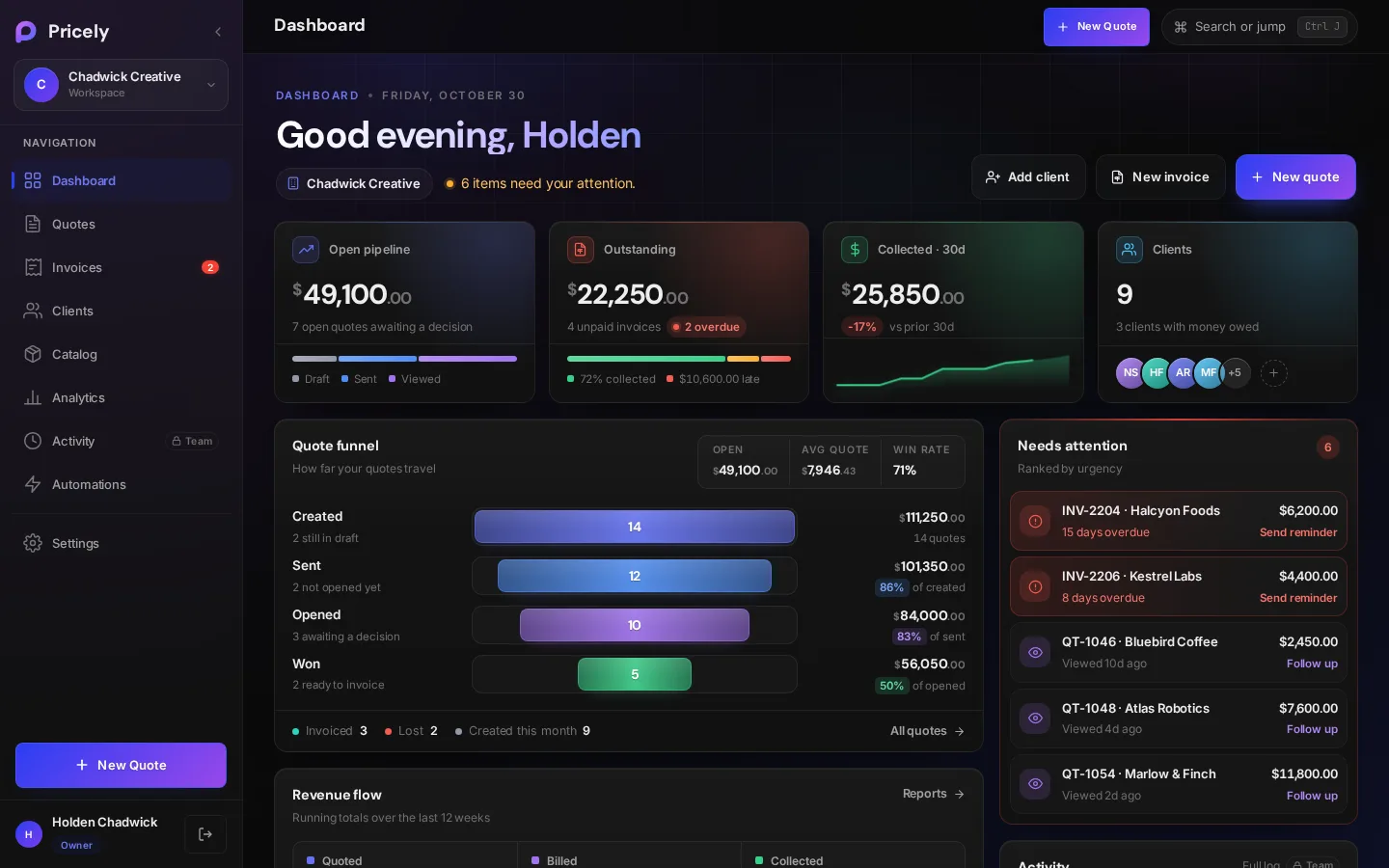
3. Finish the setup checklist
A new dashboard shows a Set up your studio checklist. Each item links to the screen that completes it.
| Checklist item | Where it takes you |
|---|---|
| Business profile | Settings›Business Profile. Add your company name, email, phone, address and tax ID. |
| First client | Clients. A name is enough to start; an email is needed to send documents. |
| First quotation | The quotation builder. |
4. Send your first quotation
- Start a quotation
Click New quote on the dashboard, or press Q anywhere outside a text field.
- Pick or add a client
Search your clients or use Quick add client with a name and an email.
- Add line items
Start from a template such as Web Development or Consulting, or add your own lines.
- Review and send
Check the preview, then choose Save & Send. Your client gets an email with a secure link to the quotation.
The Create a quotation guide covers every field in the builder.
What the Free plan includes
You can use Pricely on the Free plan for as long as you like. It includes 10 quotations per calendar month and up to 10 clients at a time (deleting a client frees a slot). Quotations, invoices, PDFs and CSV export all work on Free. Card payments, bank-transfer details, recurring invoices, the catalogue, analytics and branding need Pro. See Plans and billing for the full comparison.